GTA The Leonida WireGTA 6 最佳设置:没有性能模式——应该改这些

已核实 · 最后更新:2026年11月19日
GTA 6 没有性能模式——也没有保真模式。每个主机版本都以每秒 30 帧为目标,所以别再找那个不存在的开关了,去设置真正能改变游戏的五件事:瞄准、瞄准辅助、动态模糊、小地图和首次启动界面。
没有性能模式,没有保真模式——到处都是 30 fps
Digital Foundry 在测试了所有主机版本后直言:“任何平台都没有 40fps 或 60fps 模式的选项”,并且“所有平台都以 30fps 帧率为目标”。MetaForge 的发售设置指南也说了同样的话:没有性能或质量模式可供选择,游戏在每台主机上都以每秒 30 帧为目标。
所以主机上惯常的那套——为了流畅选性能、为了画面选保真——在这里不适用。PlayStation 5、PlayStation 5 Pro、Xbox Series X 和 Xbox Series S 都只有一种呈现方式、一个目标帧率。
每台主机实际在运行什么
既然没有模式可选,主机之间的差别就在底层的渲染管线——Digital Foundry 逐台主机进行了测量:
- PlayStation 5、PlayStation 5 Pro 和 Xbox Series X 以 1440p 内部渲染(2560×1440,未见动态缩放),并放大输出到 4K。Pro 使用 PSSR 放大;基础版 PS5 和 Series X 使用 Rockstar 自家的 TAA 空间放大,画面更柔和。
- Xbox Series S 以 720p 内部渲染,使用 FSR 4 放大到约 1080p。
- 光线追踪全局光照(RTGI)和光线追踪反射在所有主机上都有,反射为混合式,与屏幕空间反射搭配使用。
- 光线追踪阴影仅限 PlayStation 5 Pro。其他主机改用阴影贴图。
在稳定性方面,Pro 是 Digital Foundry 测试过最稳的版本:在约 75 小时的测试中保持稳定的 30 fps,仅在使用榴弹发射器摧毁车辆时降至约 24 fps 的最低值。基础版 PS5 和 Series X 在移动和战斗中经常在 30 fps 与 20 多帧的高段之间闪烁,最差时会跌入 20 多帧的低段。Series S 经常处于 20 多帧的中高段,在车辆摧毁时约为 20 fps。
首次启动:四个界面,按顺序
在 Leonida 开启之前,游戏会带你走过四个设置界面,顺序如下,据 MetaForge 和 Daily Checkpoint:
- Navigation Experience——四个界面中的第一个。
- UI Text Size——默认为 Small(小),选项为 Small、Medium、Large 和 X Large。
- Subtitles——在这个界面设置它们。各来源对确切的默认标签说法不一:Daily Checkpoint 报道首次启动时字幕默认关闭,而 MetaForge 的默认表将菜单内默认值列为 Mission Only。MetaForge 建议切换为 On,以免错过电台、电话和街头闲聊,而更深层的菜单还增加了 Mission Only、隐藏字幕、说话者姓名和背景。
- Brightness——第四个也是最后一个界面。
真正能改变游戏的设置
这些是发售日攻略一致认同的默认值——也是今晚值得更改的设置:
- Targeting——默认为 Partial。三种模式为 Lock-On、Partial 和 Free Aim:Partial 会将光标移向附近目标,但不会锁定。
- Aim Assist Strength——默认为 4。MetaForge 将其范围定为 0–5;Destructoid 将 4 描述为最大值,这意味着不同的范围上限——这一分歧在此如实印出。
- Motion Blur Strength——默认为 10 中的 3。Digital Foundry 指出,较高的设置可提高视觉流畅度,较低的设置可提供更高的清晰度,多家设置指南建议将其降至 0–1 以获得锐利画面——这一降低是建议,而不是游戏事实。景深和暗角无法调整。
- Minimap——默认为 Dynamic,而不是 Always On。选项为 Minimap (Dynamic)、Minimap & Compass (Dynamic) 和 Minimap Always On,在 Settings → UI → Navigation 中,小地图和指南针可以分别设置为 On、Dynamic 或 Off。Inven Global 的提示:如果小地图一直淡出,在 Settings 中将其锁定为开启。
菜单中还有 Camera Shake、Camera Bob 和 Weapon Sway 的相机与舒适度开关,以及击杀镜头和撞车镜头的强度。没有难度设置:取而代之的是 Accessible Combat,它会降低敌人生命值和所受伤害,而 Reduced Vehicle Damage 在 Gameplay 中与之并列——据 MetaForge,两者都不会锁定奖杯或成就。
不要去找 60 fps 模式
发售前的推测页面承诺的恰恰是发售时没有兑现的东西:60 fps 性能模式和原生 4K 保真模式。这些页面在发售时被证明是错的——NewOnGTA 的设置页面明确是发售前的,并指出 Rockstar 尚未确认其说法,KymPlay 也承诺了同样的 60 fps 模式。iGeeksBlog 说对了:PlayStation 5 的系统级 Performance 预设“不会把 GTA 6 变成 60 FPS 体验,因为 Rockstar 已确认 30 FPS 的目标”。如果某个页面还在向你推销性能模式开关,它推销的是这款游戏根本没有的菜单。
GTA The Leonida Wire 的更多内容
- GTA 6 今日发售:价格、平台、评测分数与直播纪录
- 如何在 GTA 6 快速赚钱:开局头几个小时真正有效的方法
- 如何在 GTA 6 摆脱警察:全新通缉系统详解
- GTA 6 作弊码:解锁机制到底如何运作(以及目前已知的 18 个代码)
The takes on this story

照片来源
本站照片依所注许可用于编辑评论,特此感谢创作者。
- “Official GTA VI screenshot: a white Pegassi sports car outside the Pegassi Residences at sunset” — Rockstar Games · Editorial use — official screenshot, PlayStation Store asset — Source
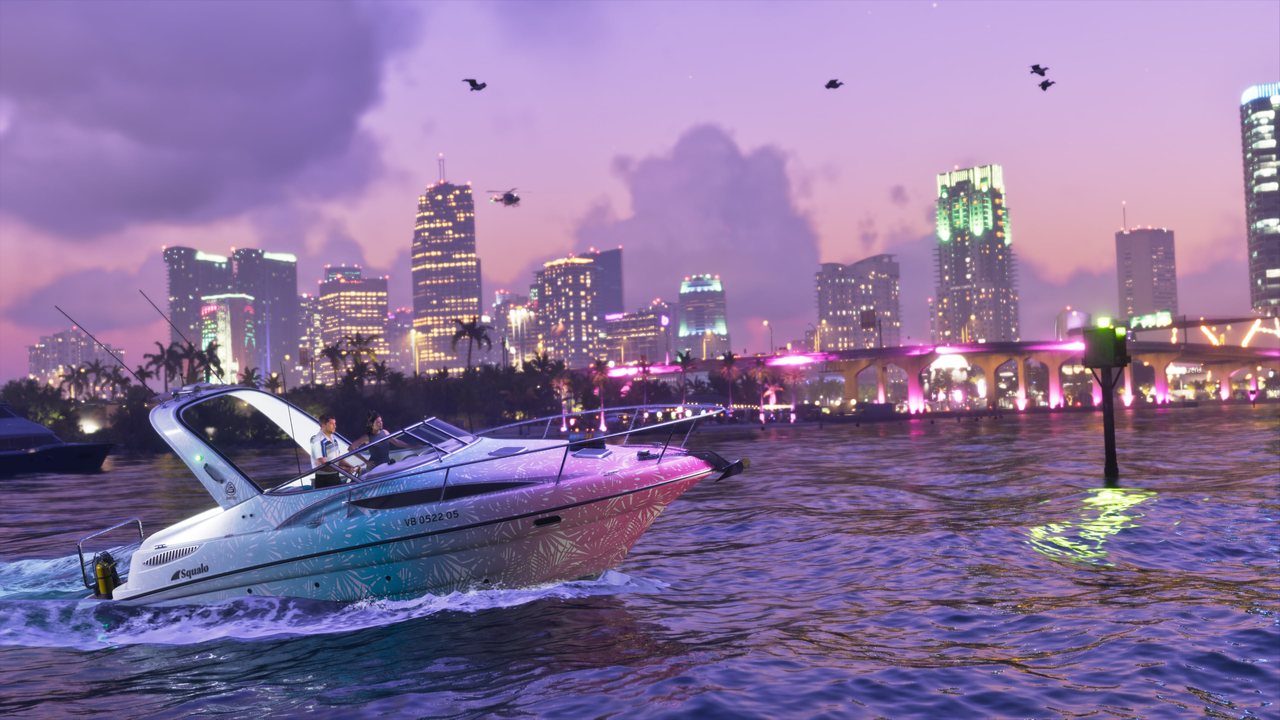
- “Official GTA VI screenshot: a speedboat on the water at dusk with the Vice City skyline behind it” — Rockstar Games · Editorial use — official screenshot, PlayStation Store asset — Source
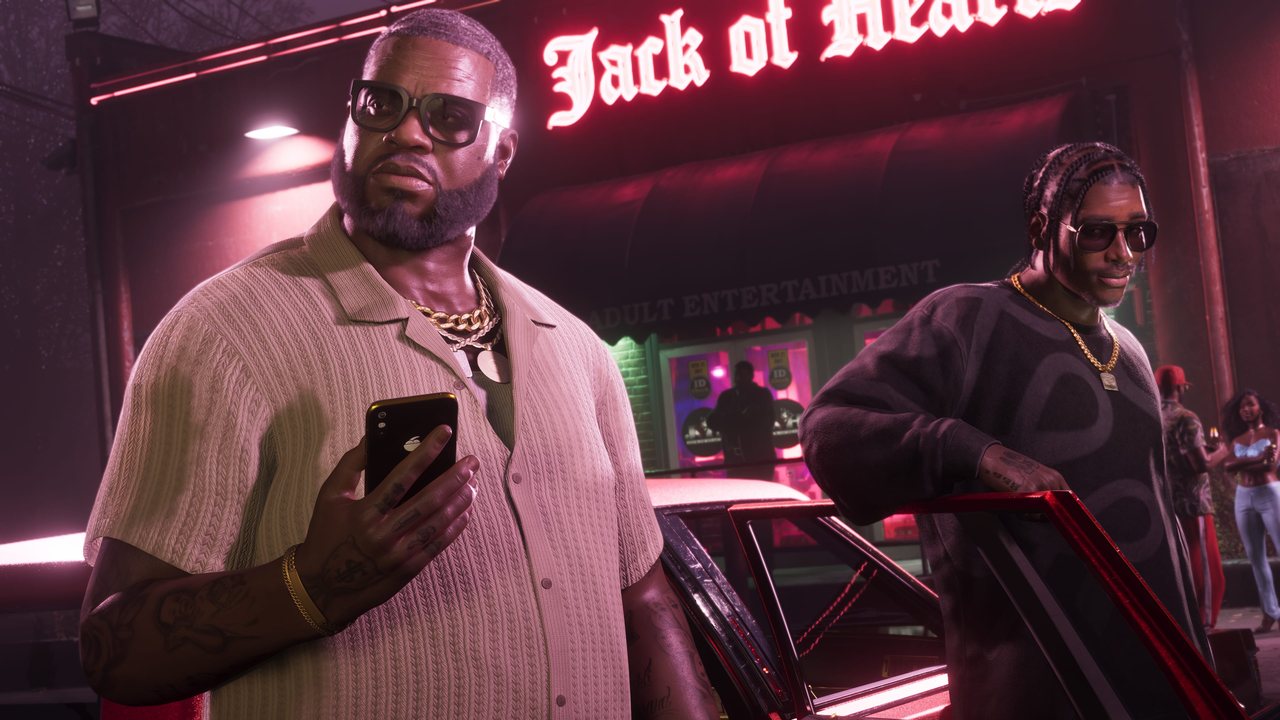
- “Official GTA VI screenshot: two men outside a neon-lit Vice City club at night” — Rockstar Games · Editorial use — official screenshot, PlayStation Store asset — Source
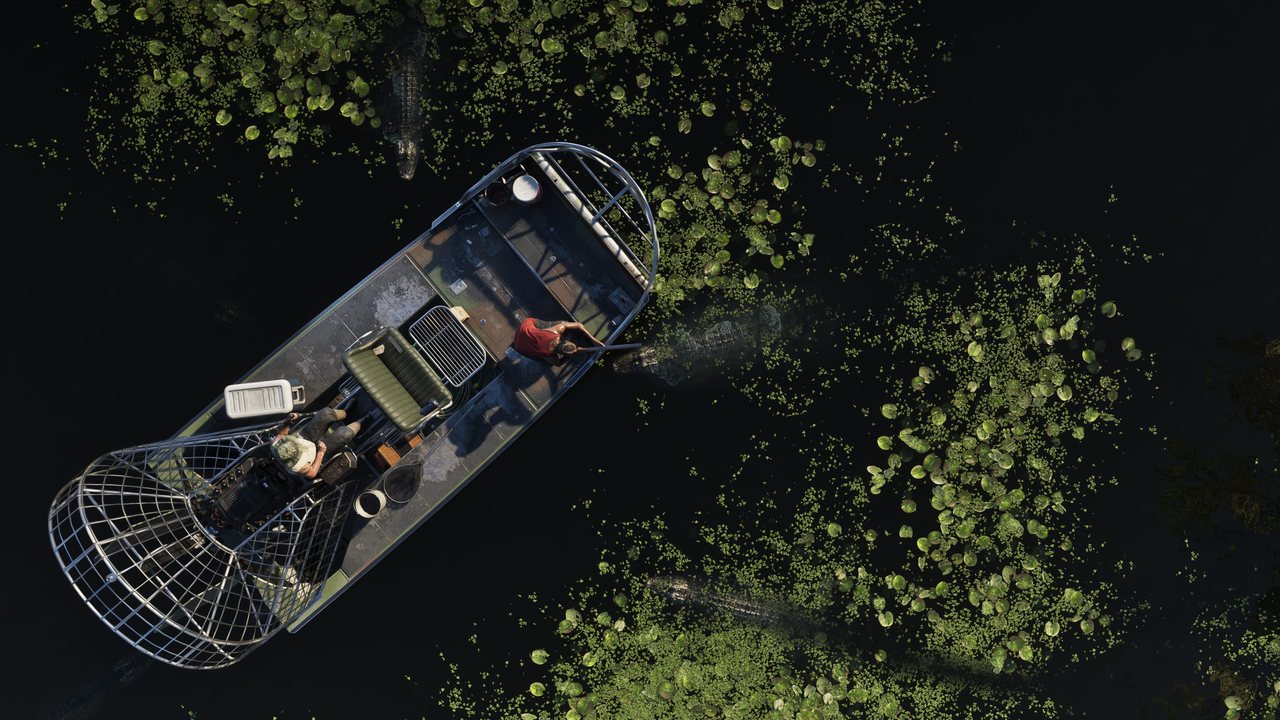
- “Official GTA VI screenshot: an airboat crossing the Grassrivers at night, seen from above” — Rockstar Games · Editorial use — official screenshot, PlayStation Store asset — Source
- “Official GTA VI key art: the Vice City skyline at sunset in pastel tones” — Rockstar Games · Editorial use — official key art, via PlayStation — Source
- “Official GTA VI screenshot: the rear quarter of a teal Sirius classic coupe” — Rockstar Games · Editorial use — official screenshot, rockstargames.com asset — Source