GTA The Leonida WireGTA 6 Combat Guide: Cover, Aim Settings and Staying Alive

VERIFIED · Last updated November 19, 2026
Staying alive in GTA 6 starts before the first shot: set Targeting to the mode that fits you, learn the cover setting the game actually gives you, and keep Zombix and body armour ready — because health is a managed resource, and cash carried on you can be lost when you go down.
Cover: use what the game gives you
One cover setting is verified in the launch menus: Cover Selection lets you choose whether taking cover considers both camera direction and movement, or movement only. Combat Movement Speed is also a setting, with Fast Walk shown in launch guides. Set both before a fight, not during one.
Technique, not a sourced mechanic: pick cover that blocks the line of fire, change position instead of trading shots from one spot, and use the time behind cover to reload and heal. Reported from preview-era sources, not verified in a launch-day combat guide: cover is on R1/RB, shoulder swap has returned, and free crouching has returned. Treat those three as reported until a launch guide confirms them.
Aim settings that actually matter
Targeting has three verified modes. Lock-On always locks the cursor to the nearest target. Partial moves the cursor toward a nearby target but does not lock on — and Partial is the default. Free Aim never locks on and keeps the camera free while you aim.
- Aim Assist Strength defaults to 4. One guide lists the scale as 0 to 5; Destructoid describes 4 as at maximum, so the exact scale ceiling is disputed — the default value of 4 is not.
- Lock-On Time is a separate setting and applies to Lock-On only.
- Shooting Assist (close-range tracking) and Drive-By Assist (auto-aim at a nearby target while driving and shooting) both exist, and launch guides list them as on.
- Accessible Combat is the closest thing to a difficulty setting: it reduces enemy health and damage taken, and using it does not lock trophies or achievements.
Do not believe the pre-launch claim that GTA 6 has no lock-on. Preview reporting said hard lock-on was gone, but the launch menus list Lock-On as a selectable mode. The sourced reading is: the default feel is Partial, and Lock-On is there if you choose it.
Weapons: what is actually sourced
Focus is the verified combat tool tied to your weapons: click both sticks (L3+R3) to slow time briefly and line up shots. GameSpot reports that Focus highlights enemies in red, shows weak spots, and can show enemies through walls. Non-lethal targeting is also real: head and heart shots kill and show a red hit marker, while joint and limb shots injure and show a yellow marker.
Reported, from preview-era sources sharing one source pool: you carry two one-handed and two two-handed weapons on your person, plus melee, gadget and throwable slots, with the rest stored in your personal vehicle's trunk. GameSpot corroborates the trunk ecosystem — dropped owned weapons return to the trunk — but the exact carry numbers stay reported, not verified.
Staying alive: health, armour and Focus
Health, Stamina and Focus are the three core stats. Lifting weights raises maximum Health, cardio such as running and biking raises Stamina, and activities such as fishing and pool raise Focus. Health and Stamina gains decay without regular training; Focus gains are permanent. Eating, sleeping and showering give temporary buffs that last for the session or until death.
- Zombix is the go-to health recovery item, used from the loadout and bought at grocery stores or found in hideouts, bathrooms and shops. Reported by GTAVibes only: Zombix restores half your health — that exact fraction is single-source.
- Body armour is bought at Ammu-Nation. One set can be equipped at a time, spares can be stored in your car, and armour can be toggled on or off in the radial menu, where it renders over your outfit.
- Jason and Lucia each carry their own ammo and healing items — inventories are not fully shared — so stock both characters, not just the one you play most.
Survival is also money: cash on hand is lost permanently when you die, and it is capped at $20,000. Bank cash at an ATM into Buck Me before a risky fight, because banked money is safe and cash cannot be banked by phone.
What is not settled yet
- Health regeneration: whether health auto-regenerates to a partial ceiling, as in GTA 5, is unconfirmed in the sources checked. Do not plan around a regen rule.
- Armour tiers and prices: light, standard and heavy tiers, and what armour absorbs, rest only on low-credibility sources today. No tier list is published here as fact.
- Cover buttons and movement details beyond the menu settings above — including prone, which preview sources say does not appear to return — are not verified at launch. This guide will update when a major launch guide confirms them.
More from GTA The Leonida Wire
- GTA 6 Is Out Today: Price, Platforms, Review Scores and the Streaming Record
- How to Make Money Fast in GTA 6: What Actually Works in Your First Hours
- How to Lose the Cops in GTA 6: The New Wanted System, Explained
- GTA 6 Cheat Codes: How Unlocking Really Works (and the 18 Codes Known So Far)
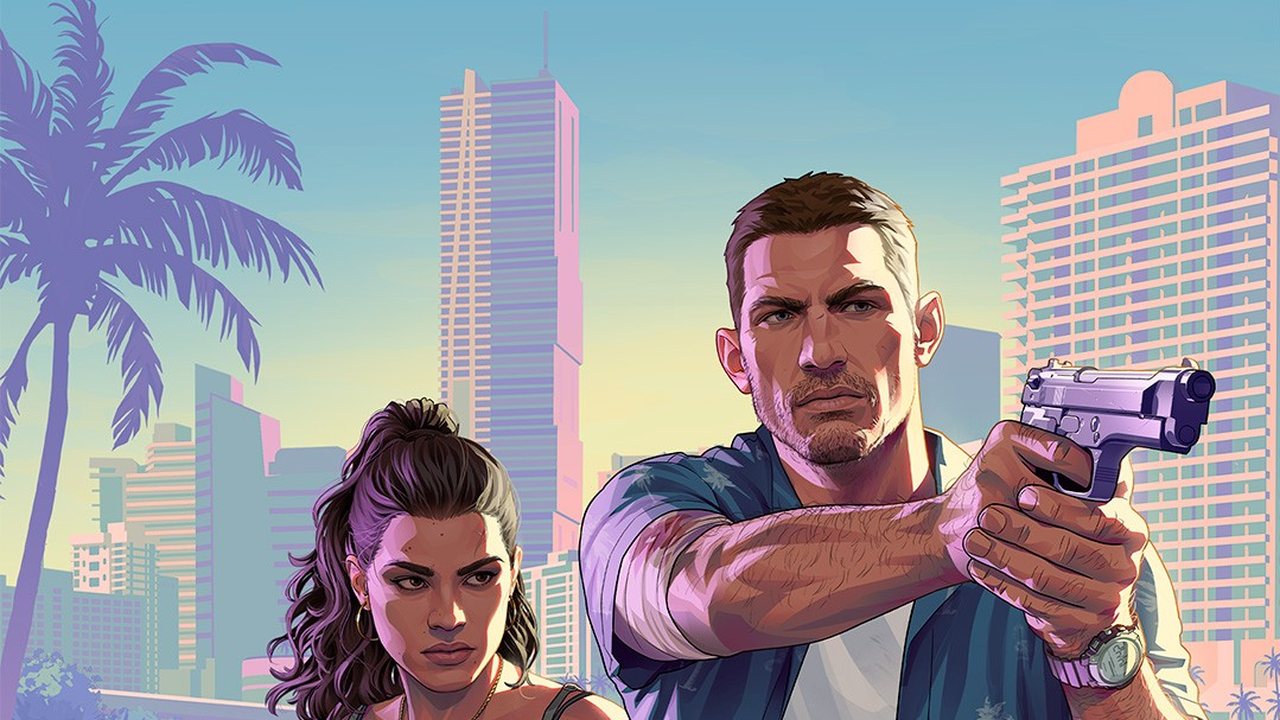
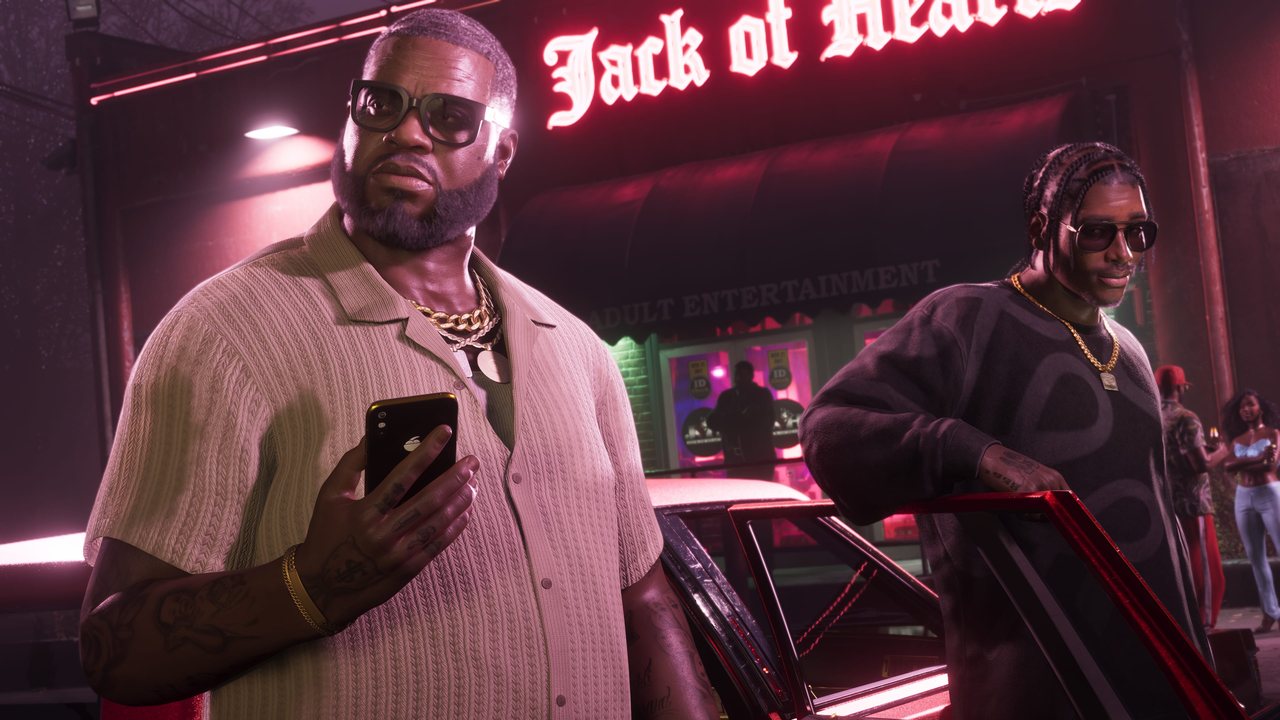
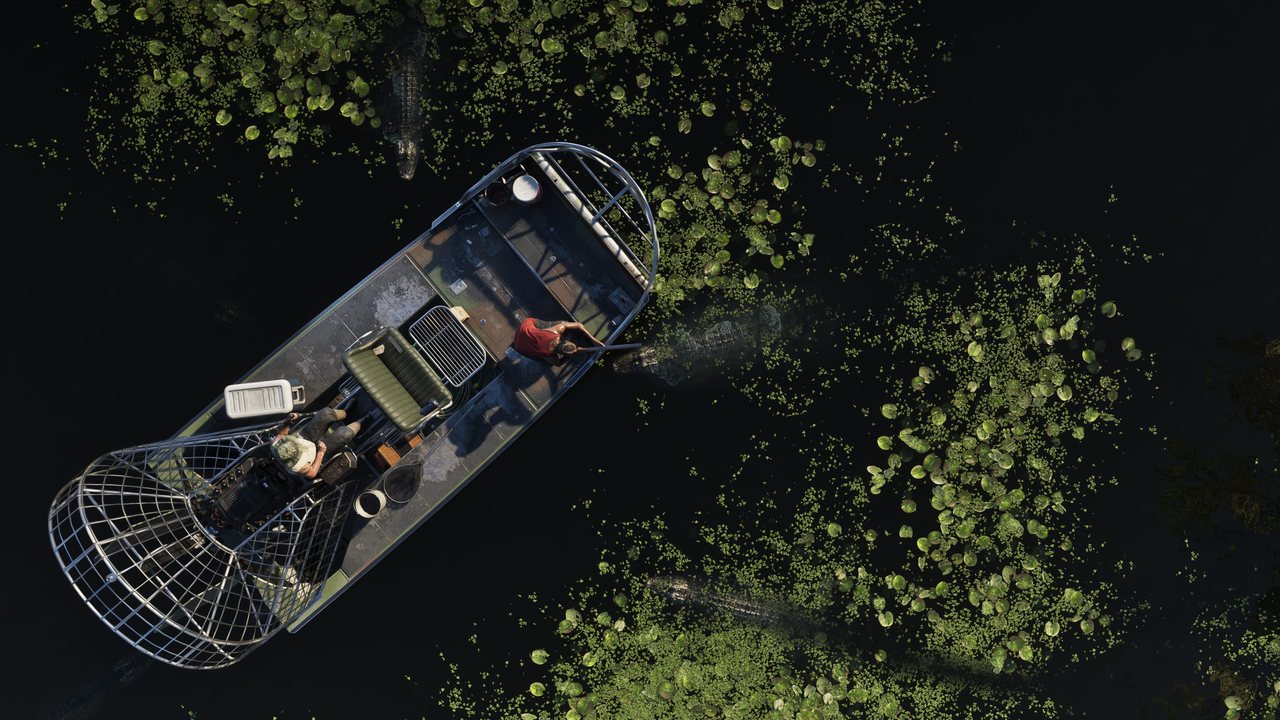
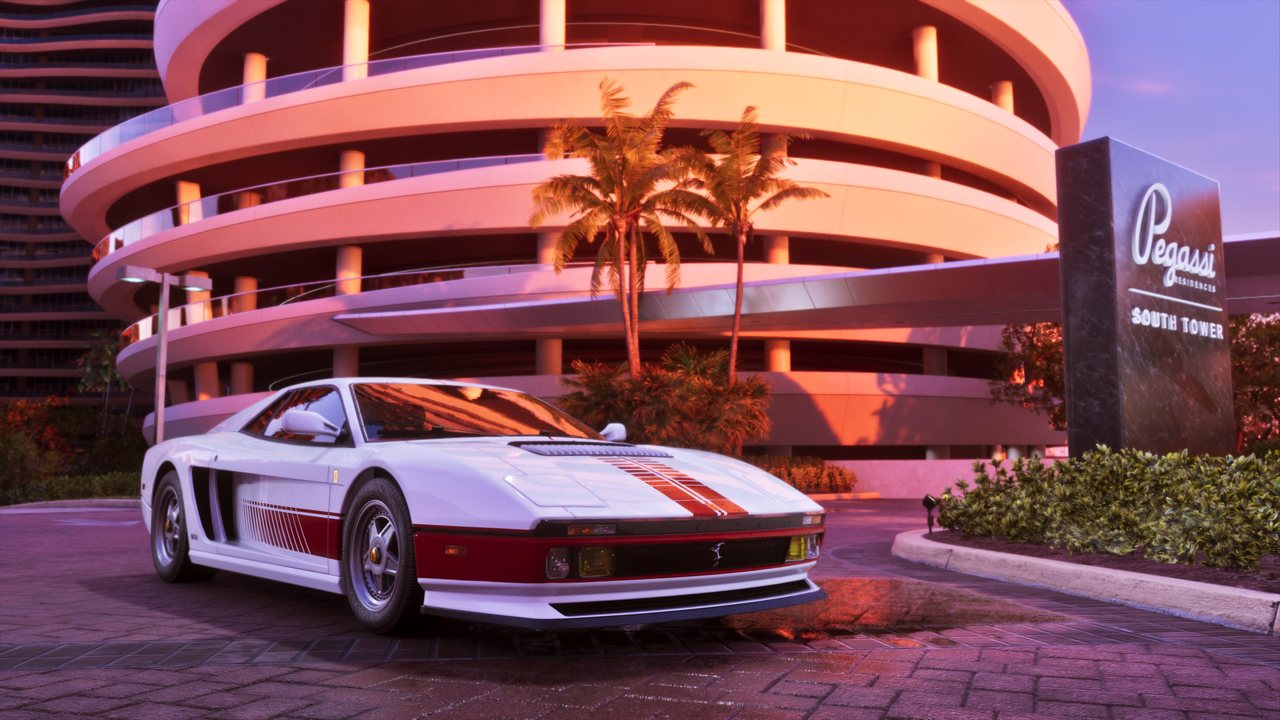
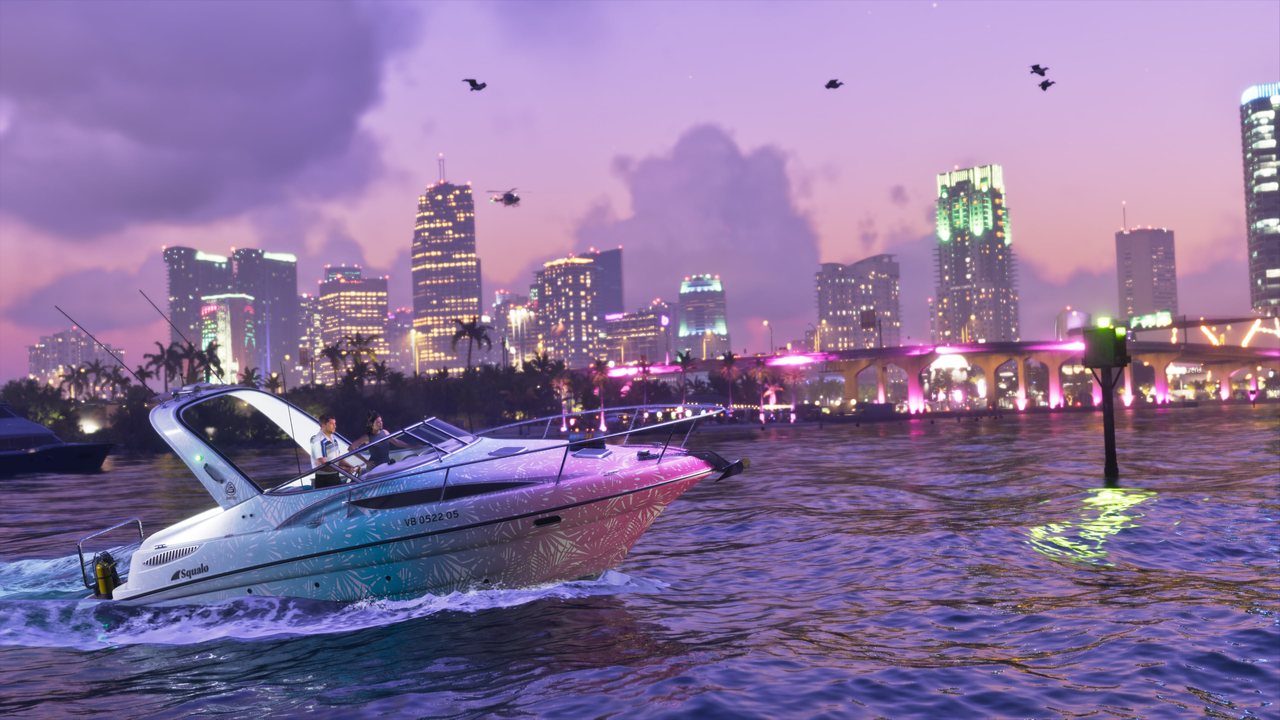
Photo credits
Photography on this site is used for editorial commentary under the licenses noted, with thanks to the creators.
- “Official GTA VI screenshot: two custom revolvers, a scope and a box of ammunition” — Rockstar Games · Editorial use — official screenshot, PlayStation Store asset — Source
- “Official GTA VI key art: Jason Duval aiming a pistol with Lucia Caminos beside him as a police boat closes in” — Rockstar Games · Editorial use — official key art, rockstargames.com asset — Source
- “Official GTA VI screenshot: two men outside a neon-lit Vice City club at night” — Rockstar Games · Editorial use — official screenshot, PlayStation Store asset — Source
- “Official GTA VI screenshot: an airboat crossing the Grassrivers at night, seen from above” — Rockstar Games · Editorial use — official screenshot, PlayStation Store asset — Source
- “Official GTA VI screenshot: a white Pegassi sports car outside the Pegassi Residences at sunset” — Rockstar Games · Editorial use — official screenshot, PlayStation Store asset — Source
- “Official GTA VI screenshot: a speedboat on the water at dusk with the Vice City skyline behind it” — Rockstar Games · Editorial use — official screenshot, PlayStation Store asset — Source